anywaifu
AI Waifu Maker
An AI waifu maker helps you build a custom anime companion image from scratch. anywaifu makes that process guided: slide 11 traits, then generate — no prompt writing. Most people go from blank canvas to first preview in about 3 minutes.
Make her look the way you imagined—full HD, no watermark.
Made with anywaifu
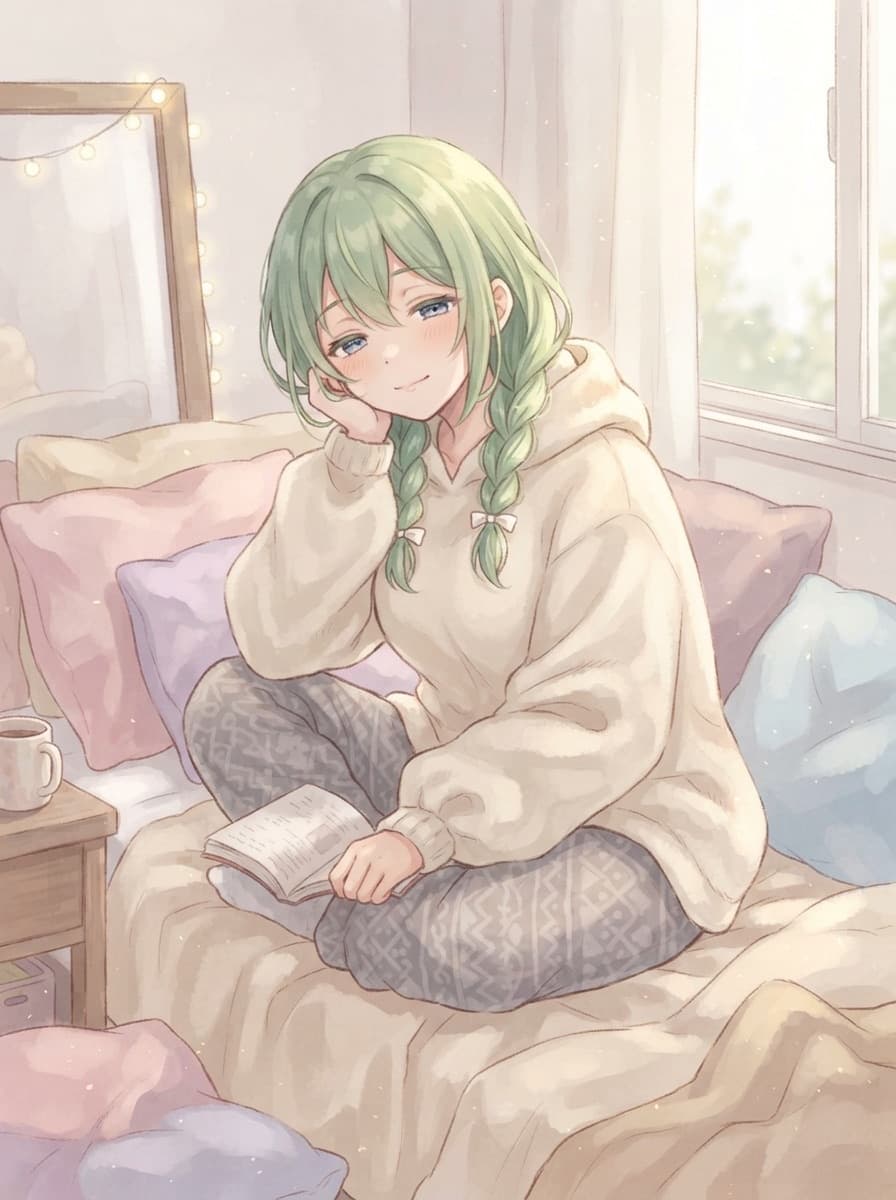
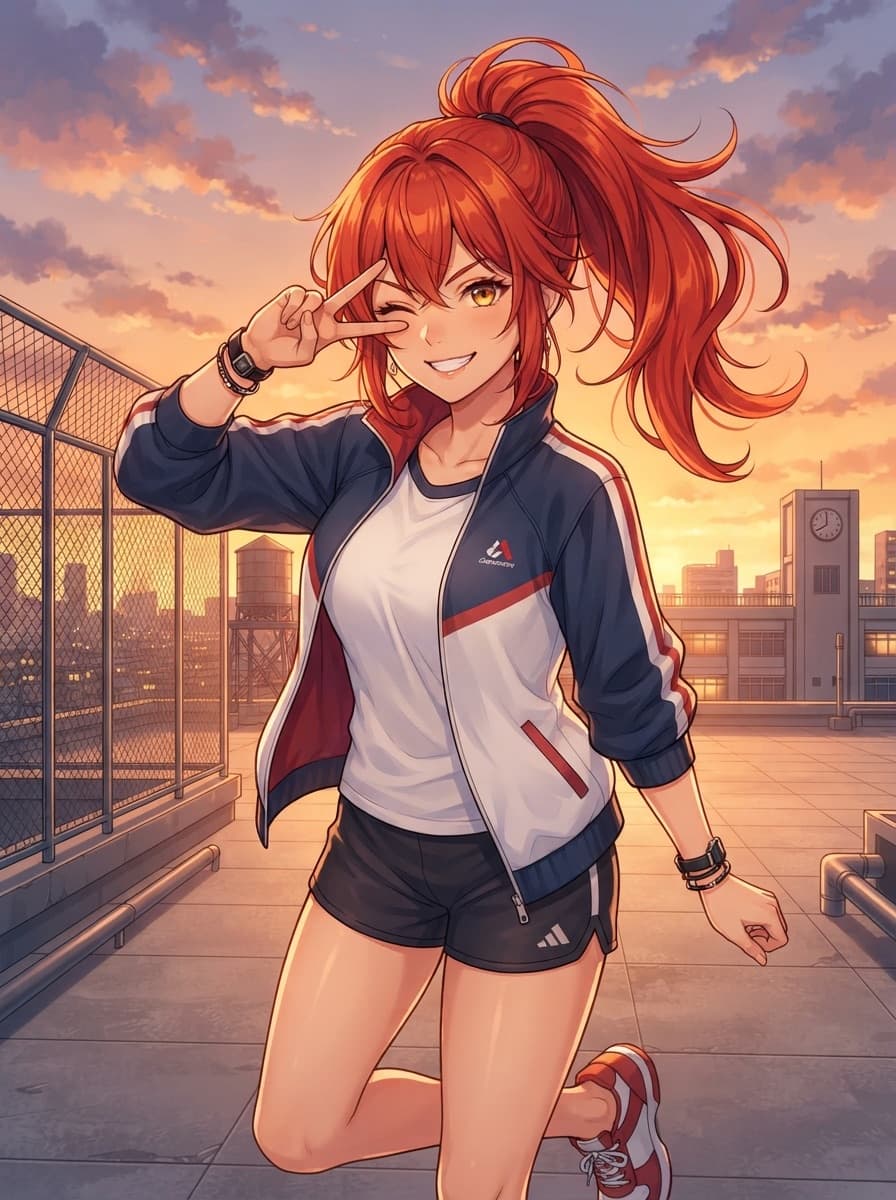

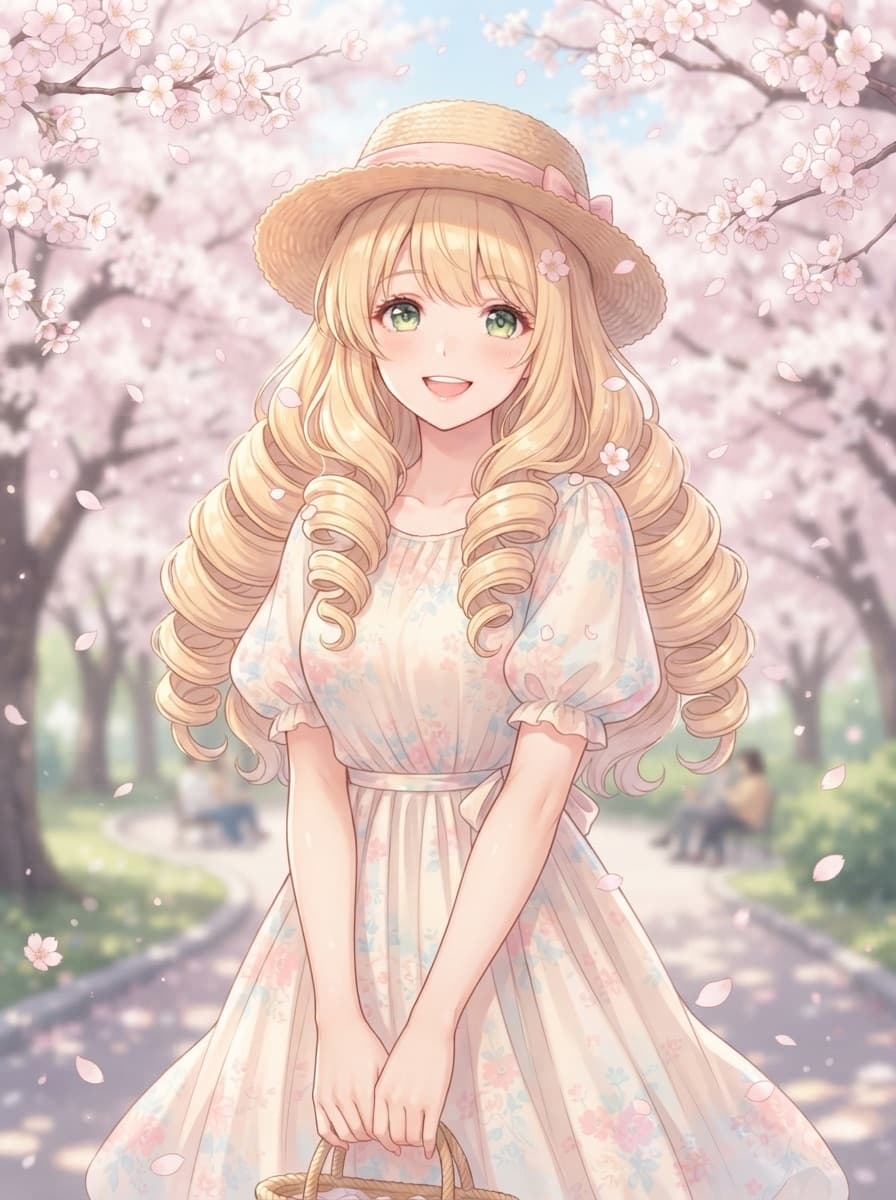
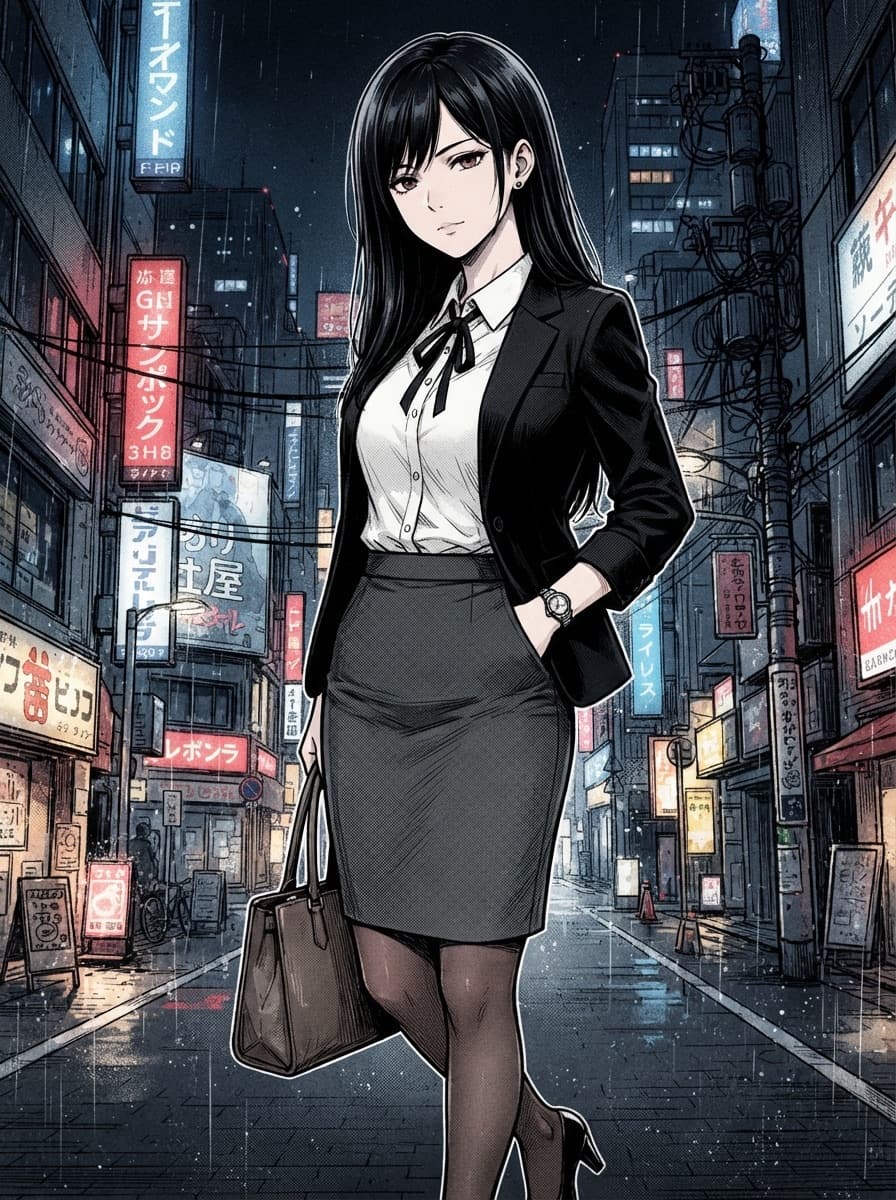
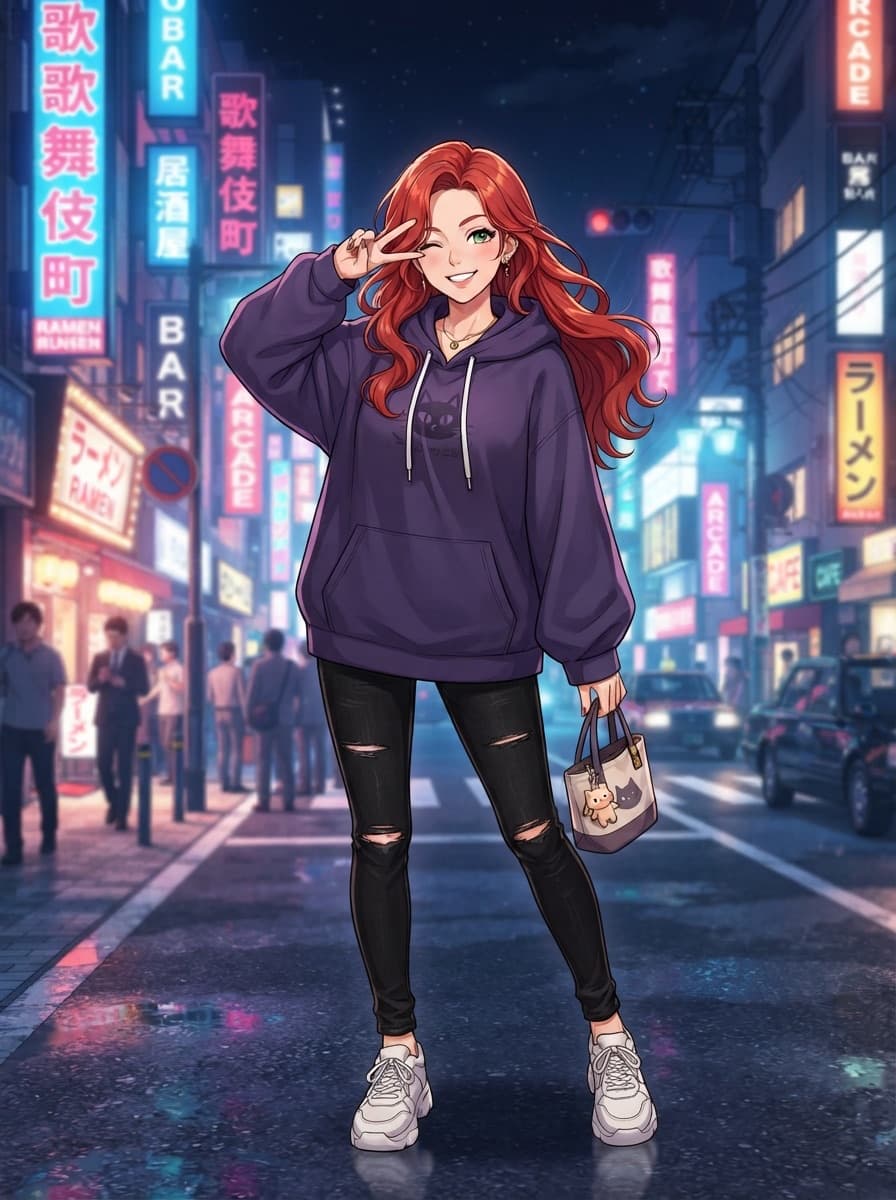
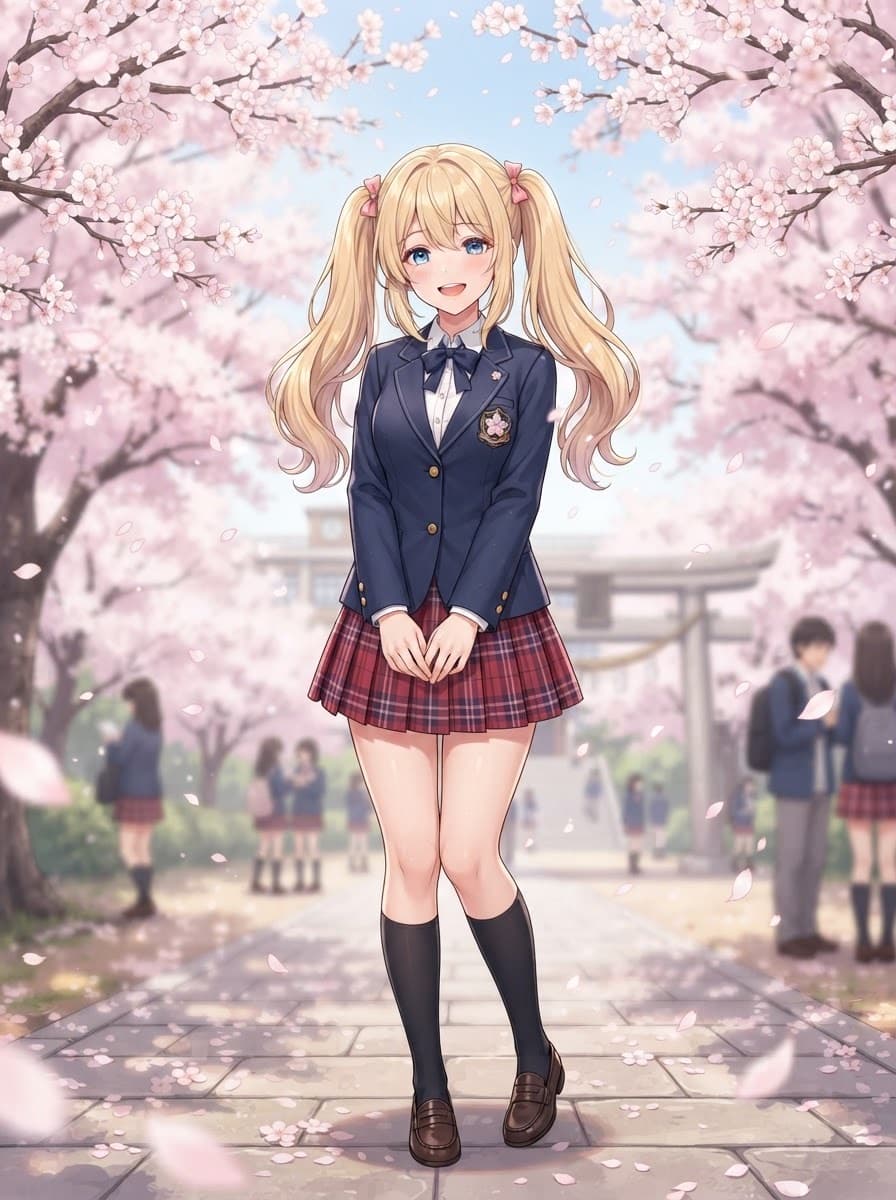
Make a waifu in five moves
- Start free — open the maker with starter credits.
- Dial the look — hair → outfit → scene → art style.
- Generate — free to try. Full HD, no watermark.
- Out of credits — buy a pack or invite a friend.
What “maker” means here (not a chatbot)
anywaifu is an image maker, not a roleplay chat app. You get still images you can refine and unlock—ideal if you want a visual OC, wallpaper, or avatar instead of conversation.
Free vs paid, plainly
| Action | Cost |
|---|---|
| Open the maker / customize look | Free |
| Try a generation | Free to try |
| Successful generate | Full HD, no watermark |
| Failed generation | Free (never charged) |
FAQ
How do I make an AI waifu?
Open anywaifu, shape the look you want, then click Generate. You do not write a prompt.
How long does it take to make one?
Designing takes as long as you want (free). A single generation usually returns in about a minute; the product goal is a first preview within about 3 minutes.
What do I get for free?
Starter credits to try generating, plus invite rewards for more free generations. Every successful generate is full HD with no watermark.
Can I remake her after I like the face?
Yes. Change one trait and regenerate in edit mode to keep facial consistency, or change multiple traits for a brand-new full generation in the same version chain.
Where do images live?
Originals stay in a private bucket and download through a short-lived signed URL. Every successful generate includes HD download.
Also explore
AI Waifu GeneratorAnime Girl GeneratorPricing